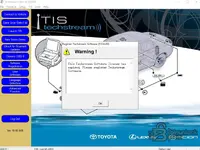
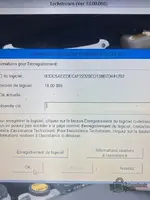
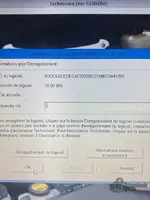
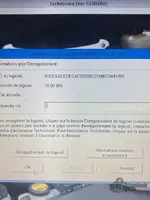
Thanks for providing the screenshot. That endless registration loop is a classic Techstream issue.
Based on the files visible in your folder, here are the most likely reasons it is rejecting your key:
- Region Mismatch (Most Common): The folder is named "JAPAN". If the kеуgеn is hardcoded to generate keys for the Japan region, but you selected North America, Europe, or "Other" when you first installed and configured Techstream, the software will reject the key and ask for it again.
- The
File: I see a file named
OT_LicKey highlighted in your screenshot. For many of these specific releases, you don't actually type a key into that box. Instead, you need to close Techstream, copy that OT_LicKey file, and paste it into the Techstream environment folder to overwrite the original.
The path is usually:
Code:
C:\Program Files (x86)\Toyota Diagnostics\Techstream\Env\
- Check the ReadMe: You have a Read Me text file right there in your folder! Open it. The person who packed this specific release likely put the exact step-by-step instructions in there (including what to do with that
OT_LicKey file).
Alternative bураss:
If you are still stuck in the loop after checking the ReadMe and confirming your regions match, try the
.ini bураss method I mentioned in the first post.
Close Techstream, open
Code:
C:\Program Files (x86)\Toyota Diagnostics\Techstream\Env\IT3System.ini
in Notepad, change
to
, save it, and reopen Techstream. This often bypasses that registration screen entirely.

 drive.google.com